Training Credentials in Tyfoom
Training Credentials let you record and track certifications, licenses, and any training your employees complete outside of Tyfoom. Common examples include CPR, OSHA courses, or forklift licenses.
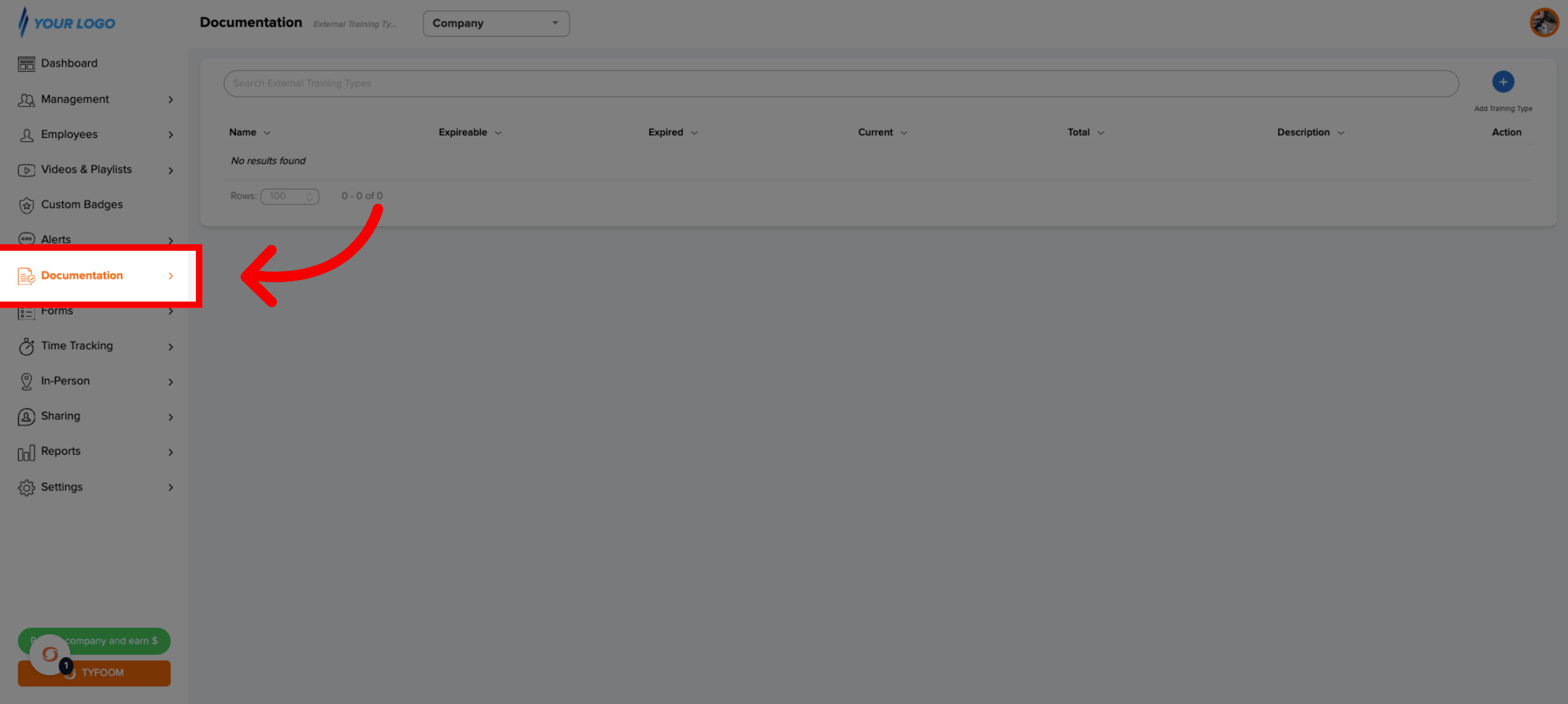
1. Go to the Documentation tab
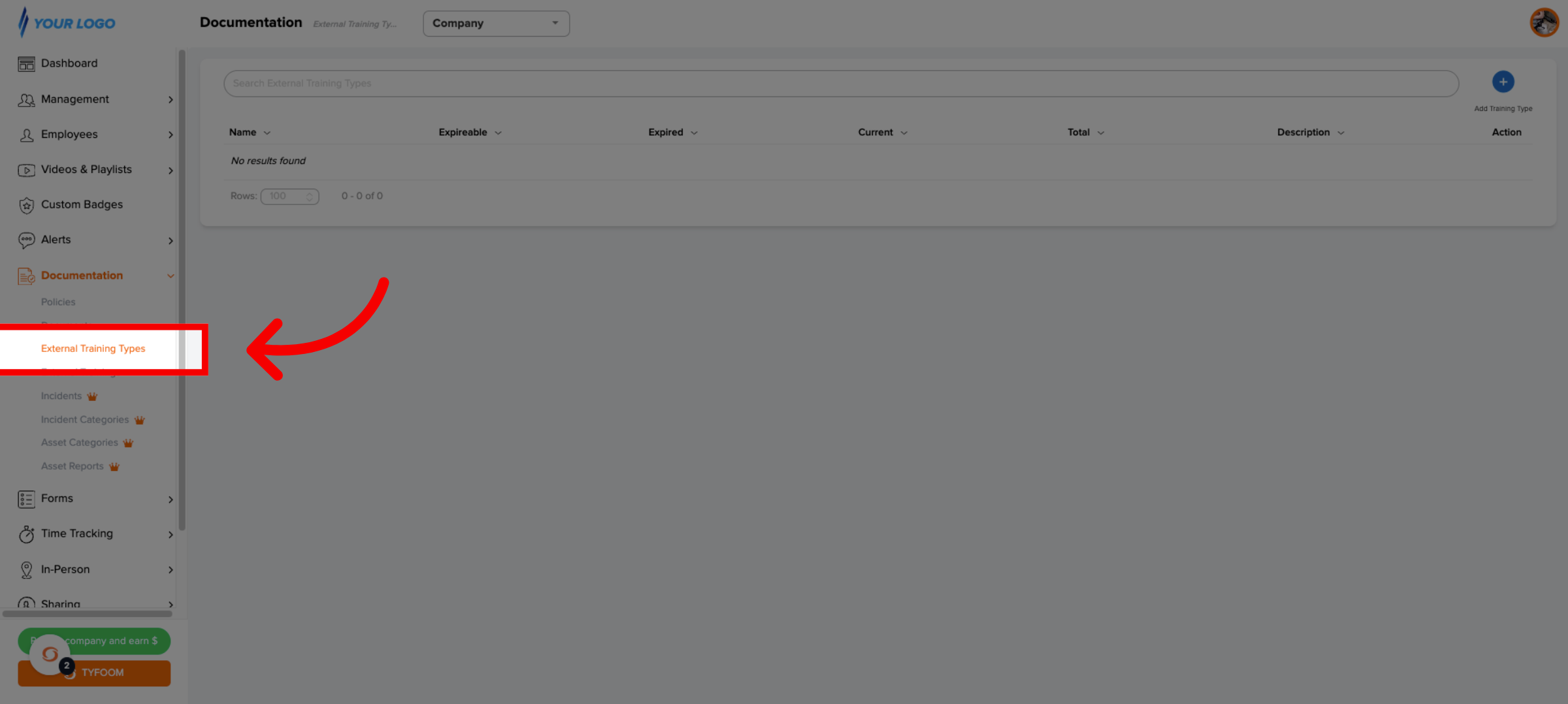
2. Select Training Credentials Types
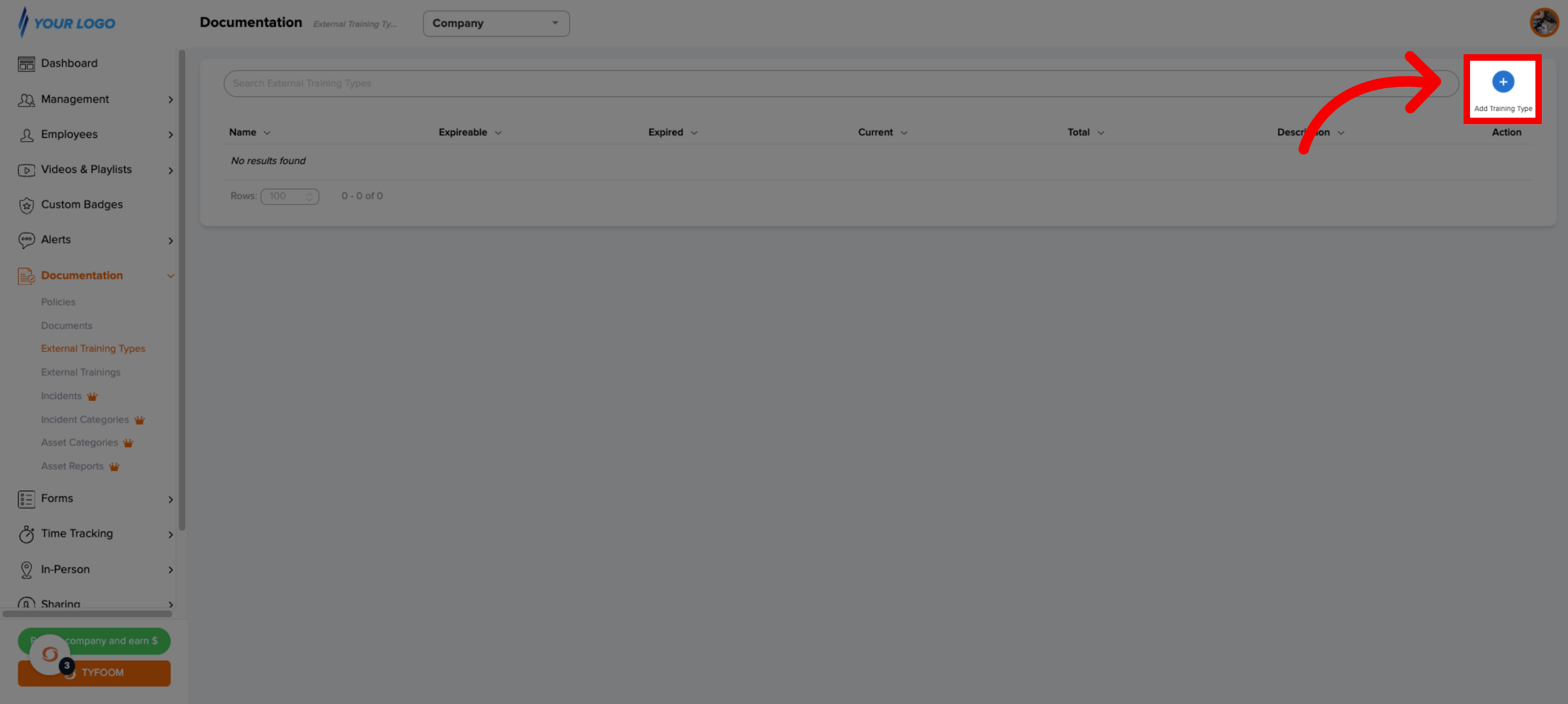
3. Add New Training Type
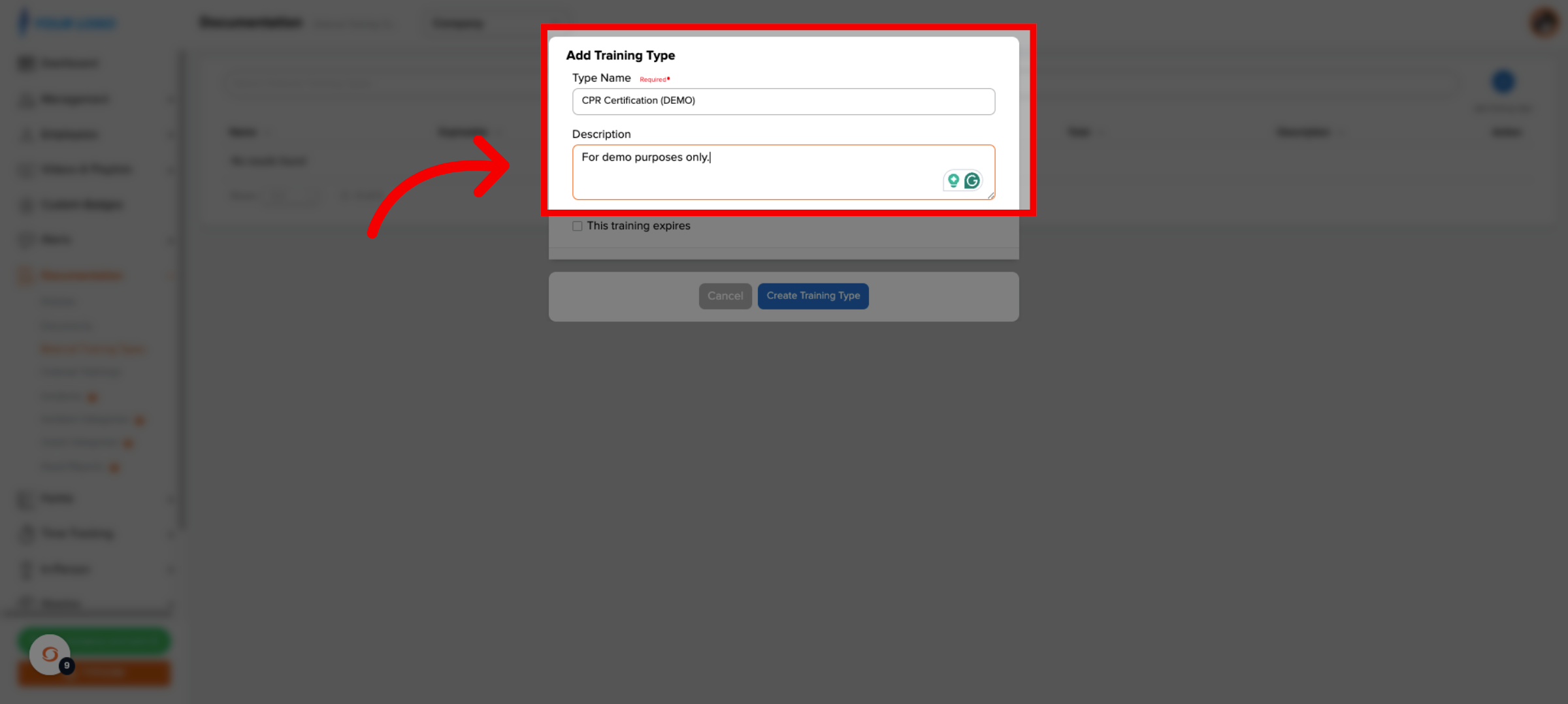
4. Add Type Details
5. Enable Expiration Setting
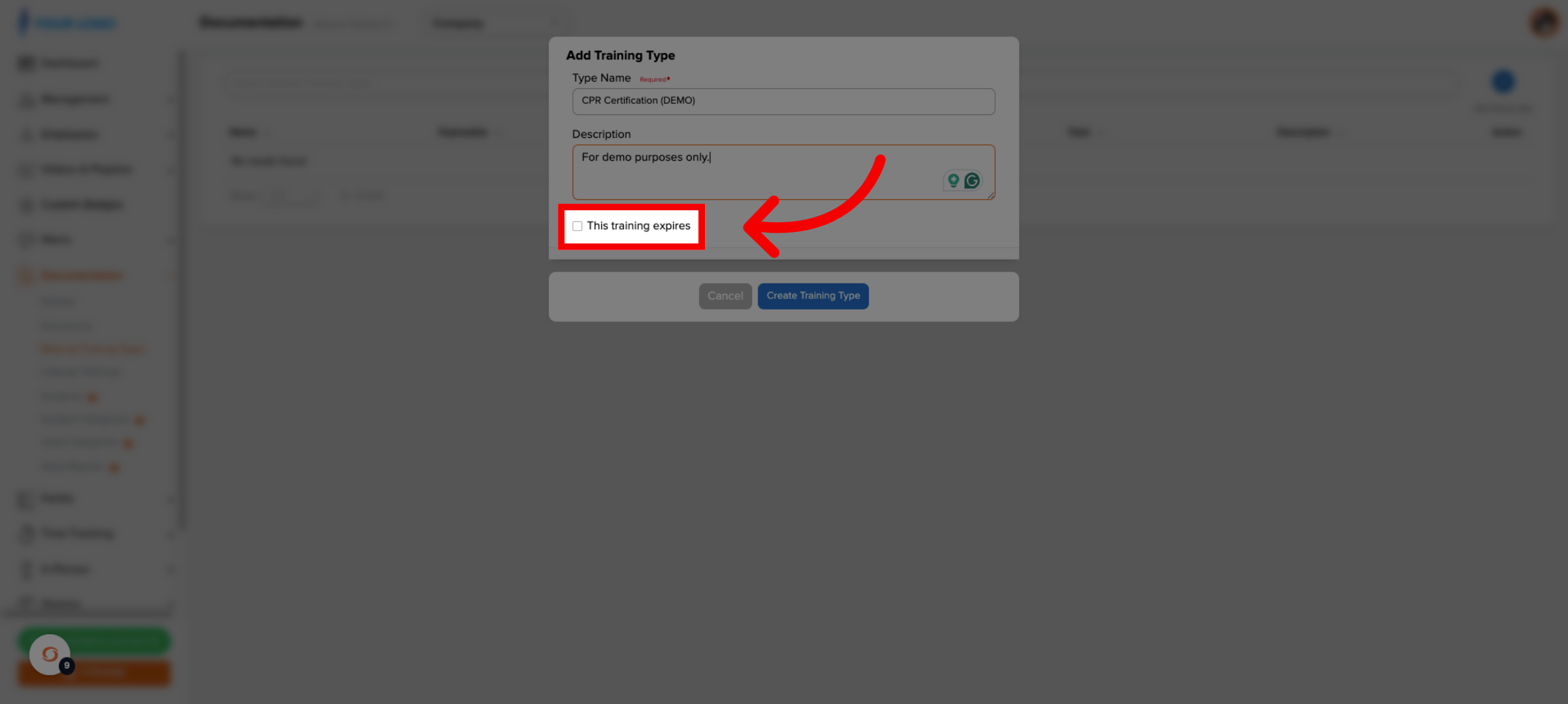
Next, decide if this training expires. If it doesn't, leave it unchecked and you're done. Since CPR certifications do expire, we'll check the box.
6. Set Expiration Period
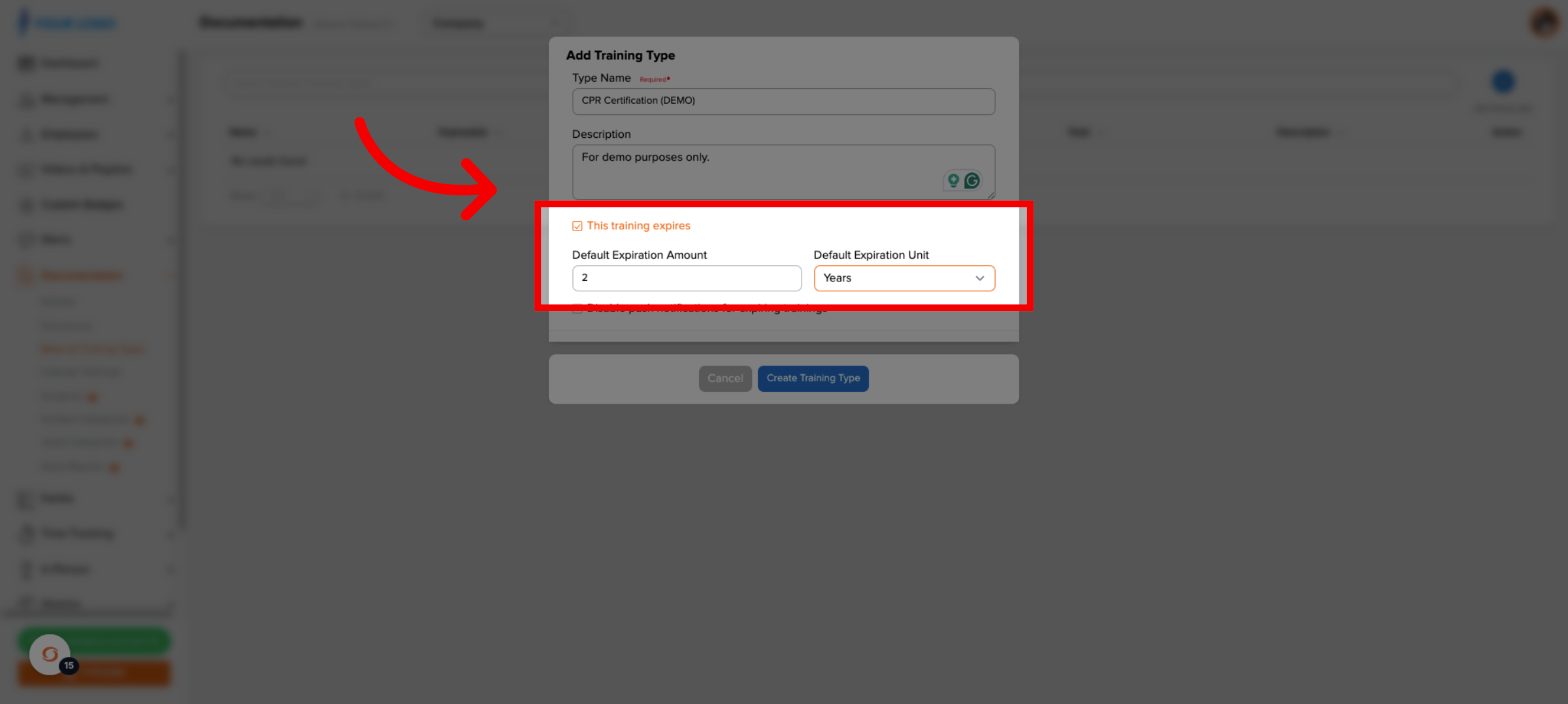
Now we set a default expiration window. In this case, two years.
7. Optional: Disable Push Notifications
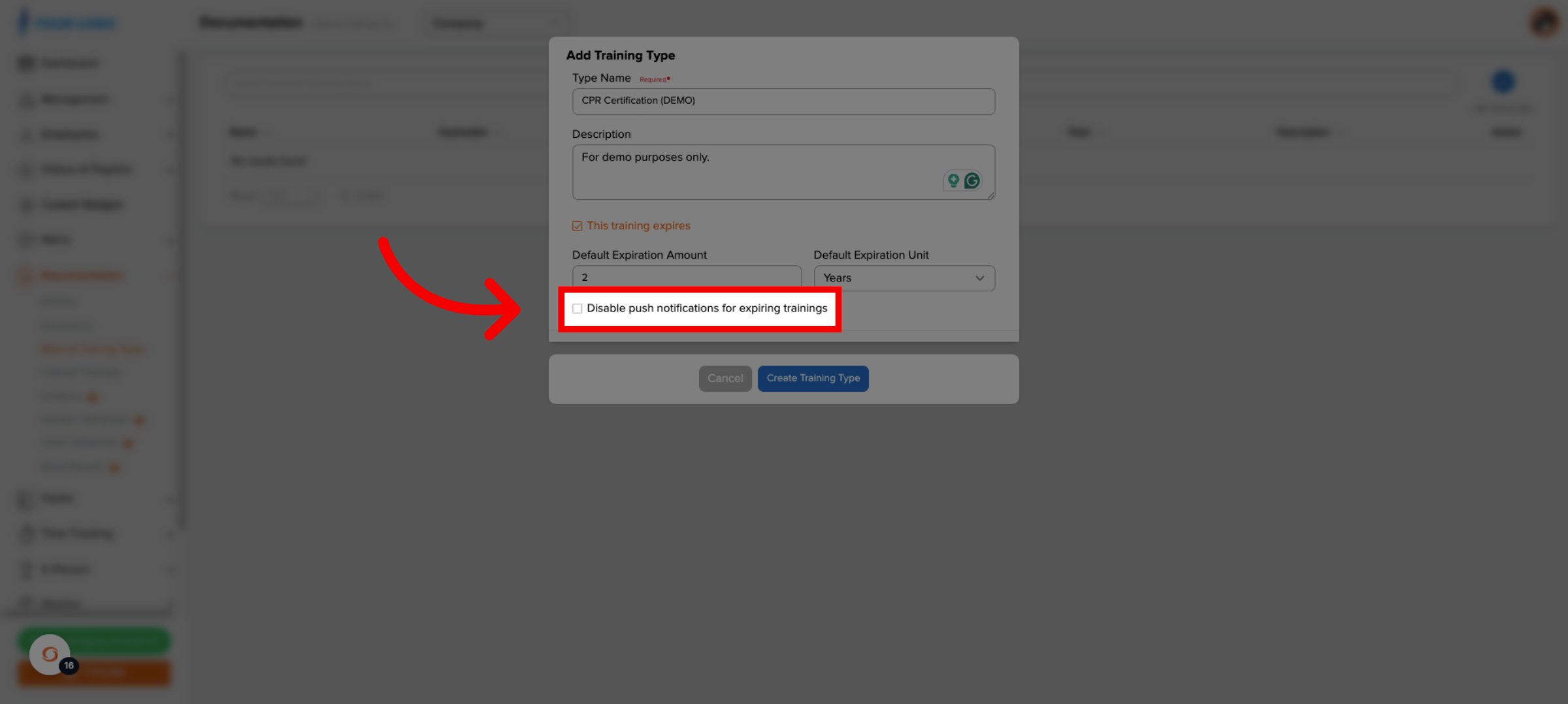
If push reminders stay enabled, employees are notified automatically before their training expires at 90, 60, 30, and 7 days prior, unless it is renewed before then.
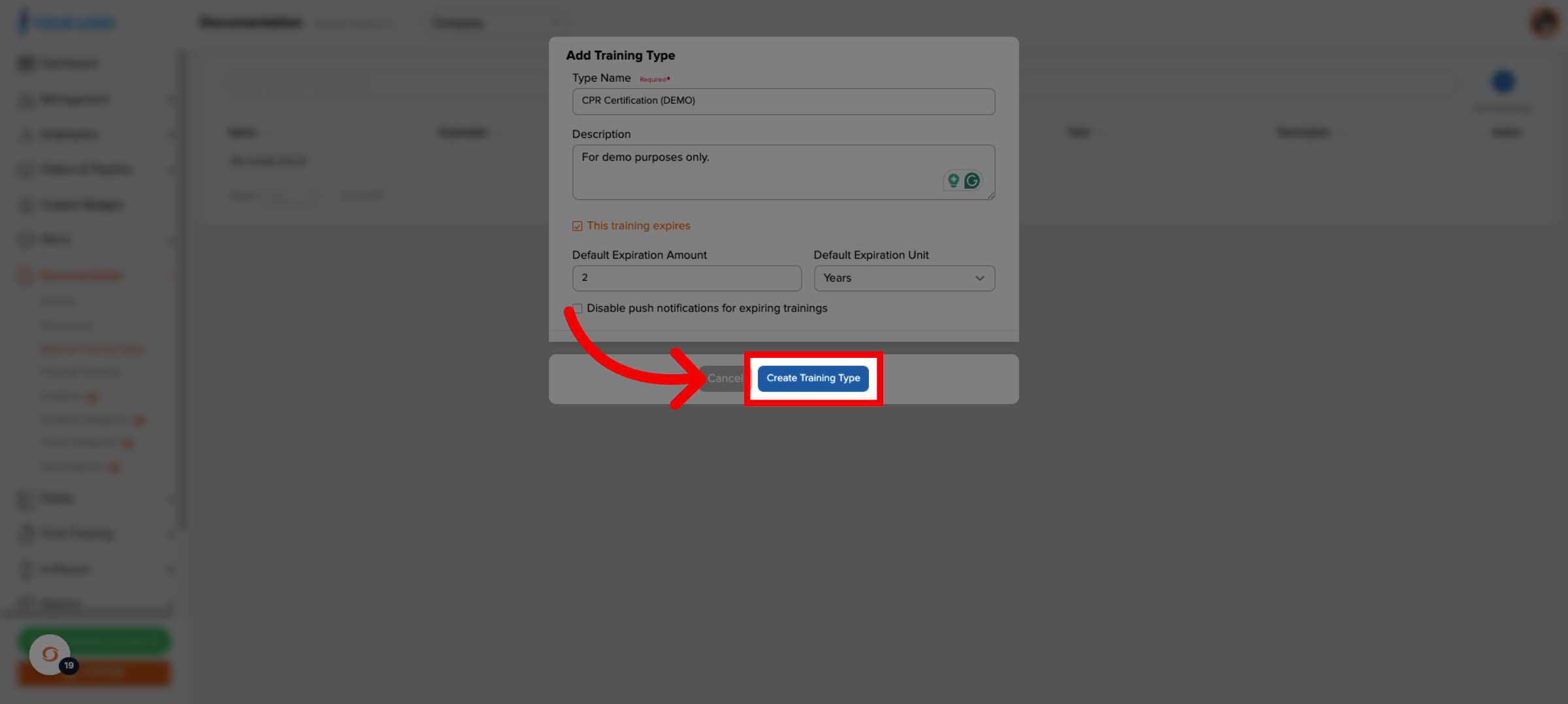
8. Create Training Type
9. Access Training Credentialss
Now, we'll log a training record for an employee. Go to Training Credentialss.
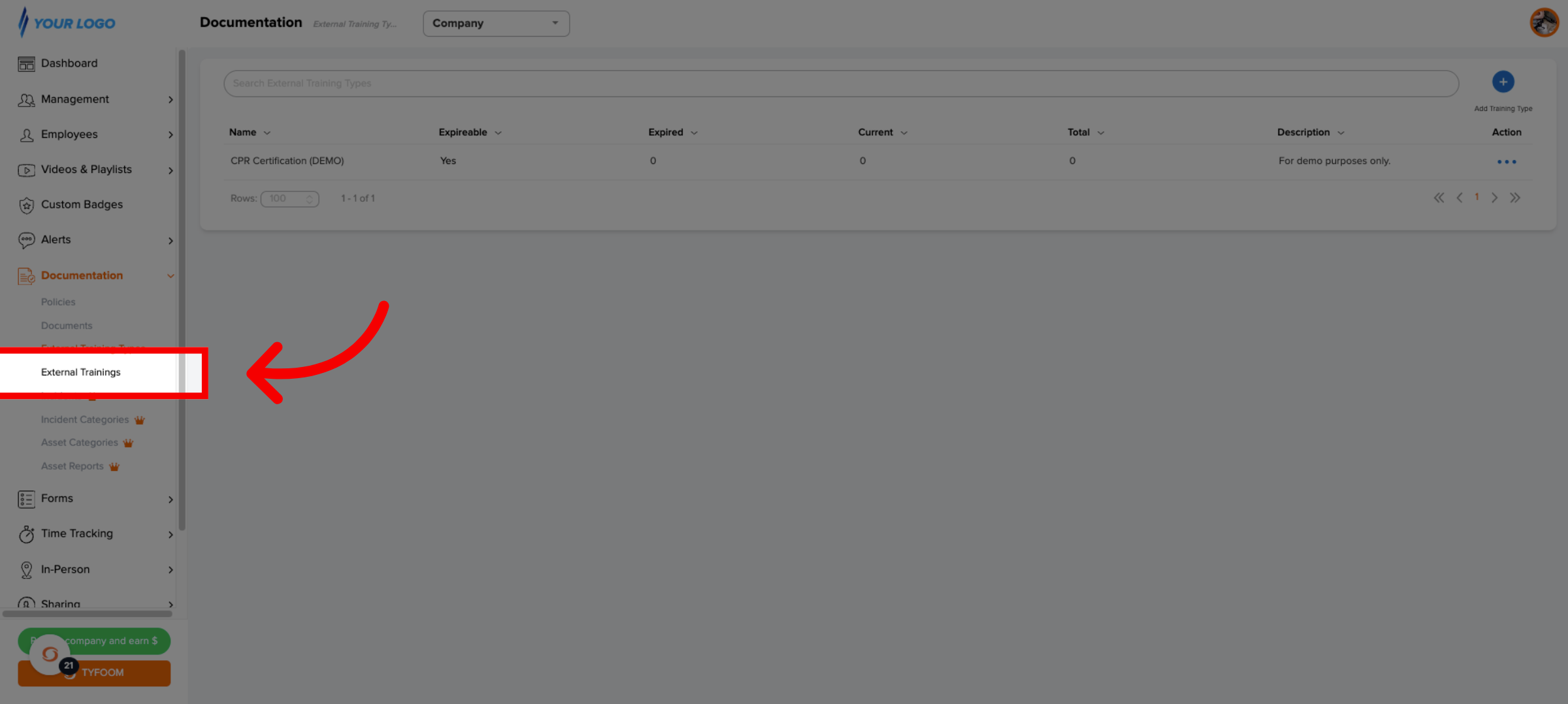
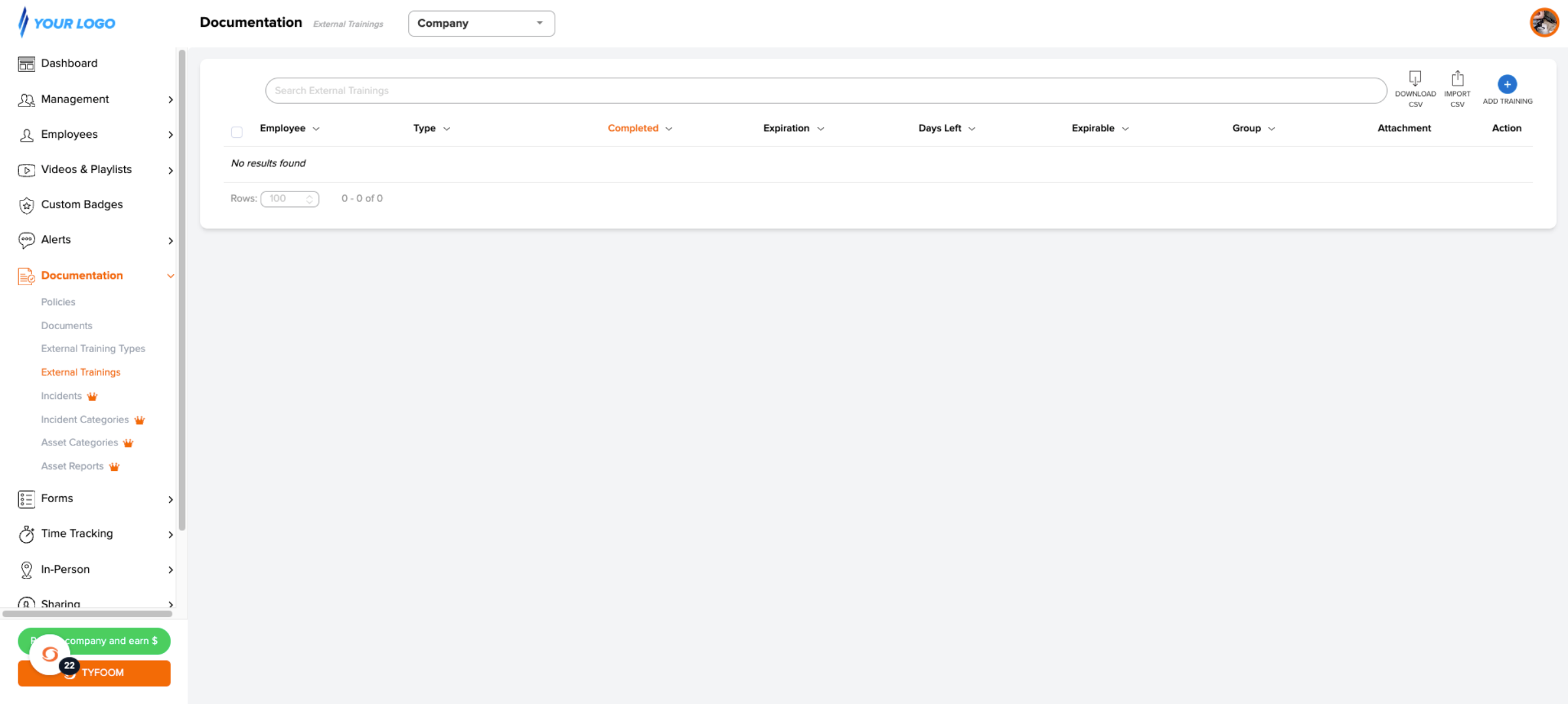
10. Download, Import or One-by-one
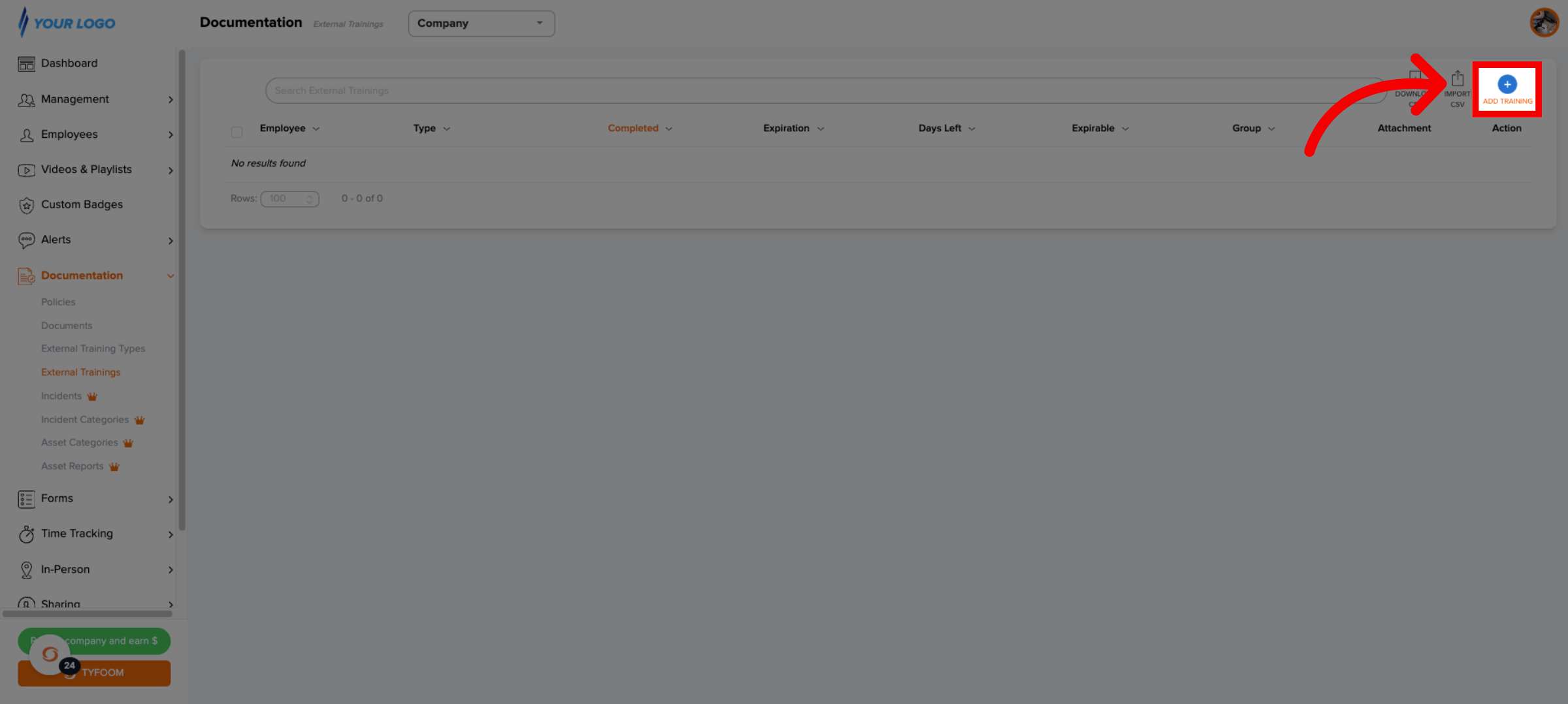
11. Add Training Credentials Record
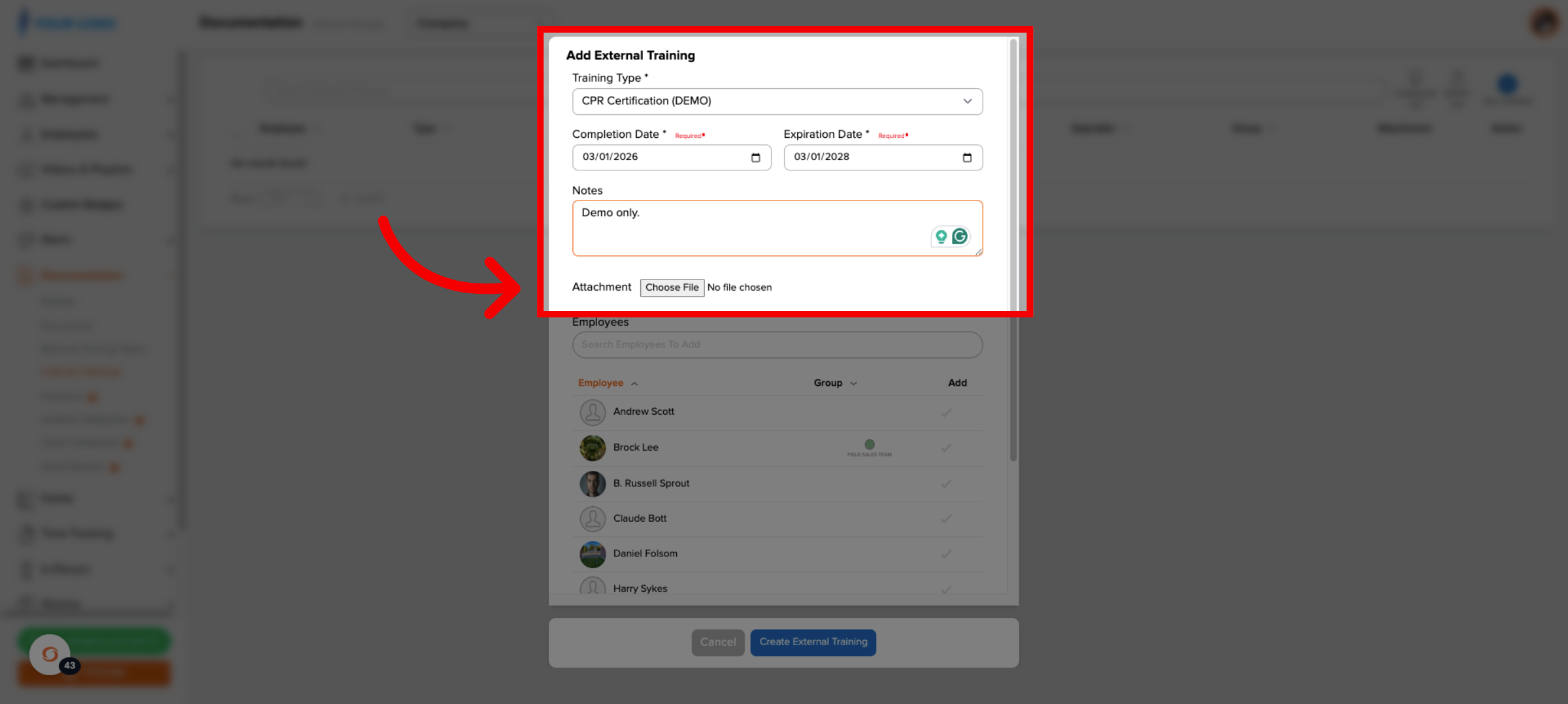
12. Enter Training Record Details
Add your record details, including optional notes and an attachment. The attachment could be the image of the certificate if you have one.
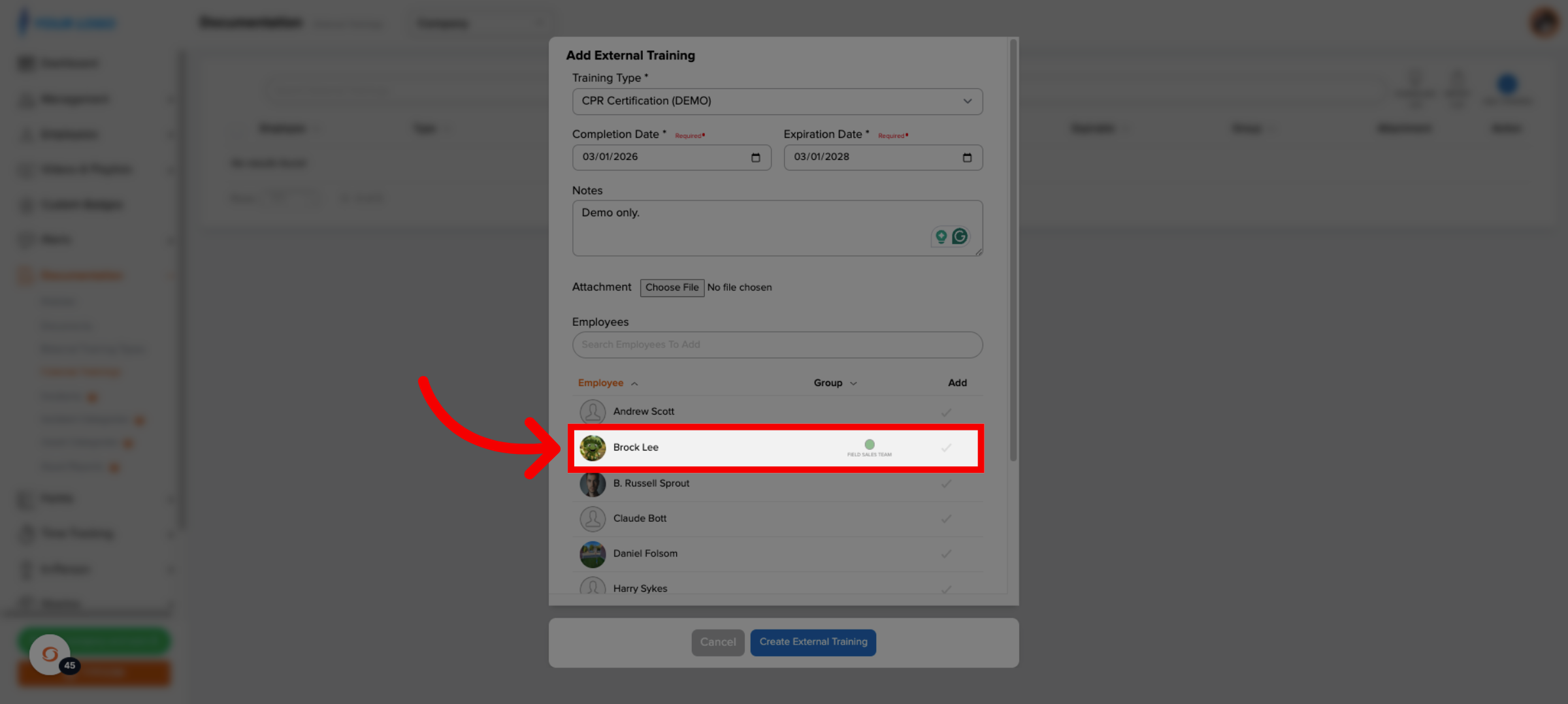
13. Select Applicable Employee
Select which employee you're adding this record to.
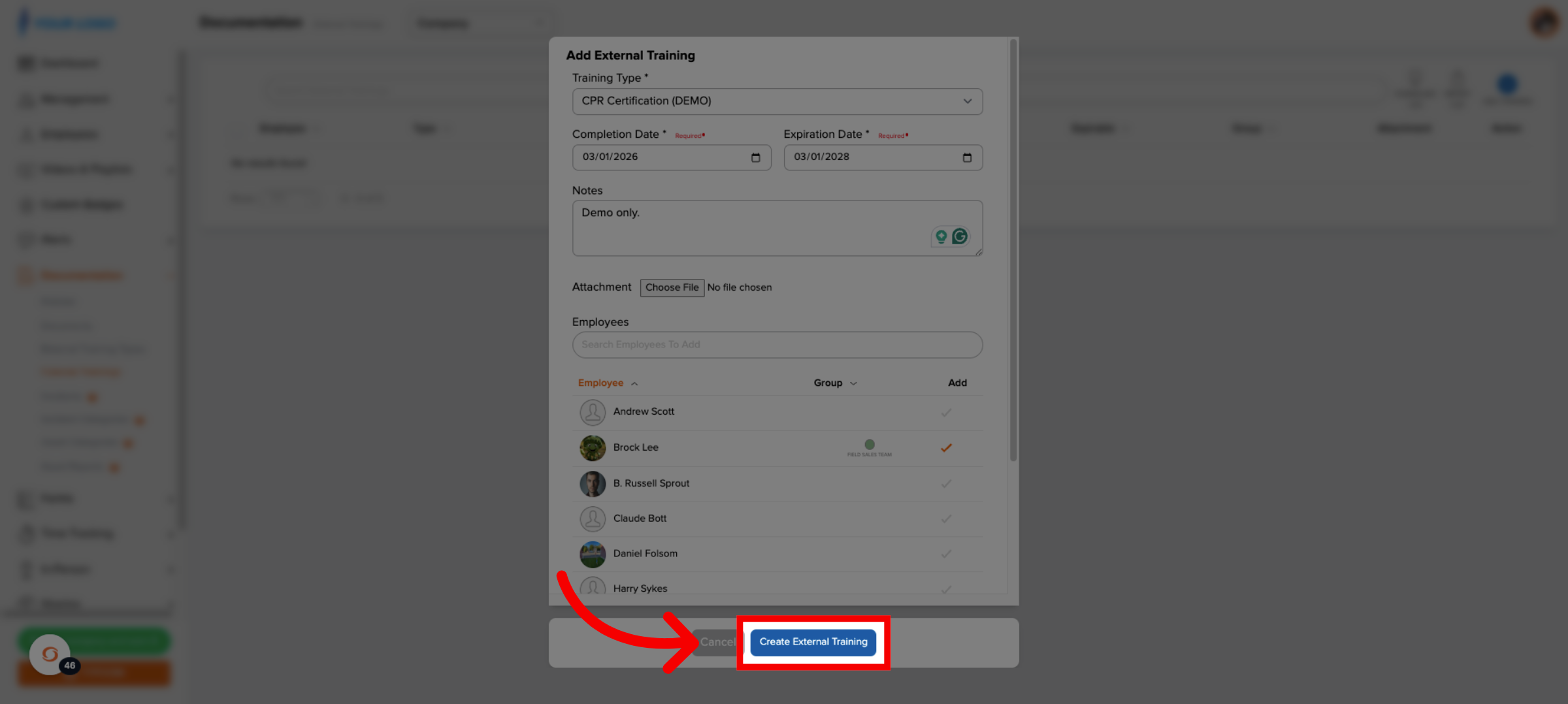
14. Create Training Credentials
When you're done click create Training Credentials.
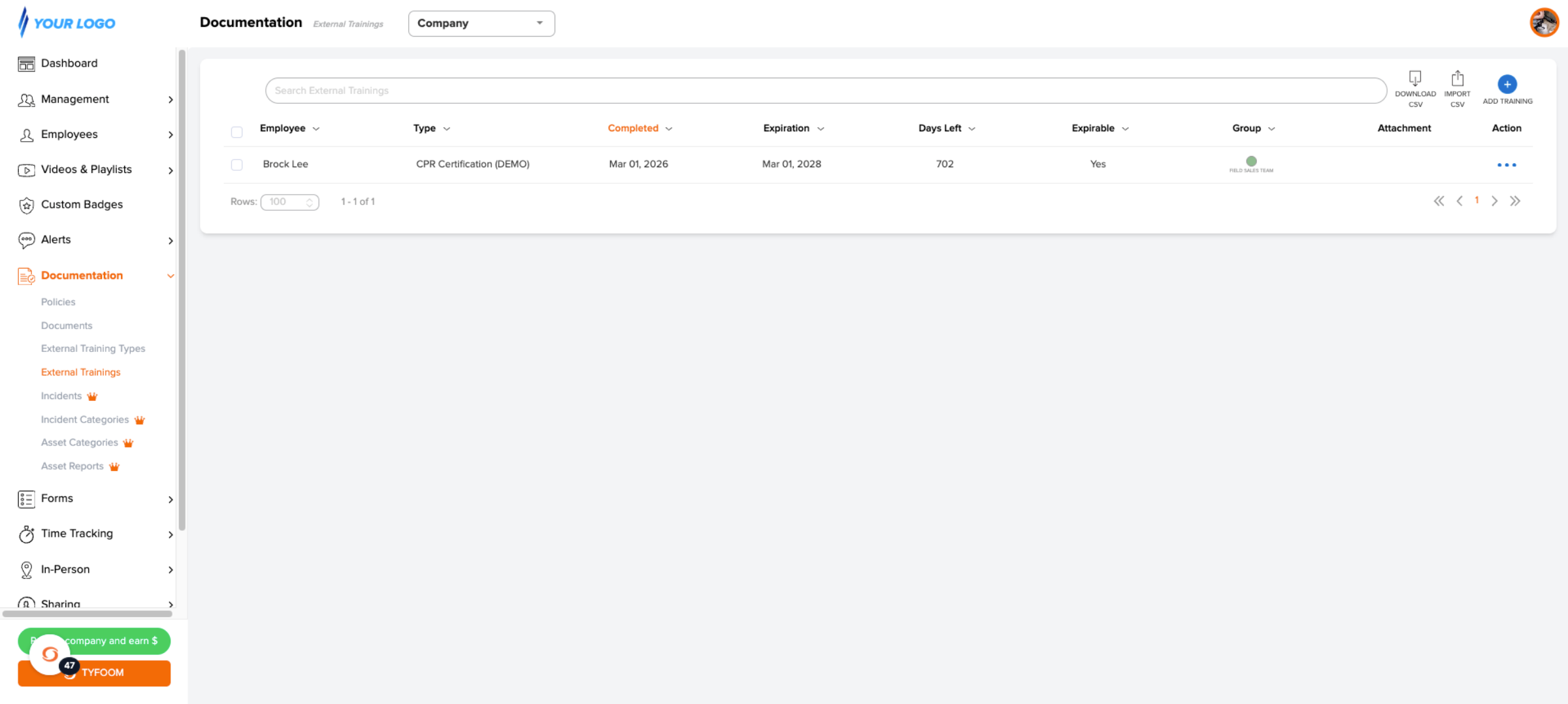
15. Access Documentation Section
This page will give you a quick view of all your most recent Training Credentials records.
If you have any questions, please contact us at customercare@tyfoom.com.